How to Access Torzon Market
v3 onions do not open in Chrome or Firefox. Install Tor Browser from the Tor Project, skip fake “Tor proxy” sites, then paste a host from Torzon onion links after you match it to a signed list.
Download Tor Browser
Use the official Tor Project download page. Verify the installer signature using Tor Project's published instructions.
Check the Onion Address
Compare all 56 characters with the Torzon Directory mirror table and operator-signed mirror text verified with GnuPG.
Paste into Tor Browser
Paste the .onion URL into the address bar. Loading takes 5–15 seconds. If down, try an alternate mirror or use Links Rotator when logged in.
Verify Site Authenticity
Check your anti-phishing phrase on the login page. Complete PGP 2FA login and confirm phrase matches. Mismatch = disconnect immediately.
Bookmark & Secure the Account
Bookmark the checked address in Tor Browser. Enable PGP 2FA and keep the mnemonic offline.
W Windows — Tor Browser Installation
- Download Tor Browser from torproject.org/download.
- Optionally verify the PGP signature of the installer using Gpg4win.
- Run the
.exeinstaller, approve UAC prompt, choose language and folder. - Launch Tor Browser, click Connect (or Configure Connection if Tor is blocked in your region).
- Open an official host from the Torzon Directory links page.
M macOS — Tor Browser Installation
- Download the macOS disk image from the Tor Project.
- Optionally verify SHA-256 checksum against published values.
- Mount the
.dmg, drag Tor Browser to Applications. - Open from Launchpad, confirm security prompt, click Connect when ready.
- Open an official mirror from the Torzon Directory links page, then confirm with PGP-signed text.
Registration & Account Setup
Open Registration — No Invite Required
Registration requires three inputs only: unique username, strong password, and 6-digit PIN. No email, phone number, or personal information required.
Save Your Mnemonic Phrase
System generates a 12–24 word mnemonic recovery phrase shown only once. Torzon does not store it on servers and cannot regenerate it. Write on paper, store offline. Loss = permanent account loss including funds.
Set Anti-Phishing Phrase
Choose a personal security phrase displayed on every legitimate login page after PGP 2FA. If missing or incorrect — you are on a phishing clone. Disconnect immediately.
Upload PGP Public Key
Navigate to account settings, paste your public PGP key, enable 2FA. All vendor communications and shipping addresses must be PGP-encrypted.
Make First Deposit or Use Walletless
Deposit BTC/XMR to your unique wallet address, or use walletless checkout for per-order payment. BTC: 1 confirmation. XMR: 10 confirmations.
Compare your Tor Browser session to these watermarked frames before entering credentials. Official hosts: Links mirror table.
Login & registration
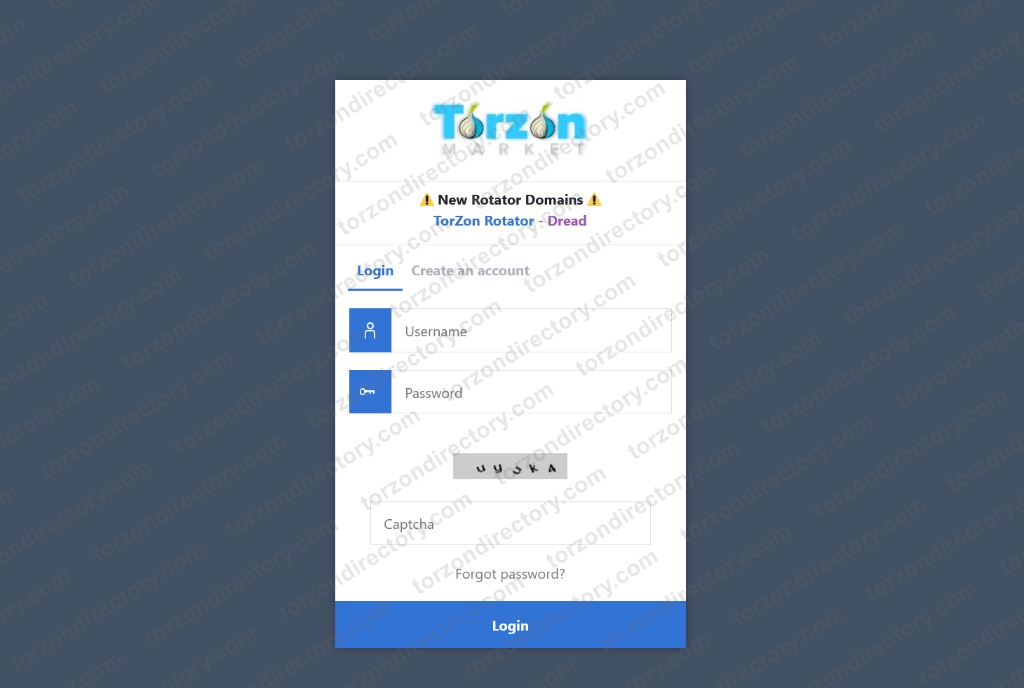
Login form
Username, password, and CAPTCHA before PGP 2FA — clones often skip steps.
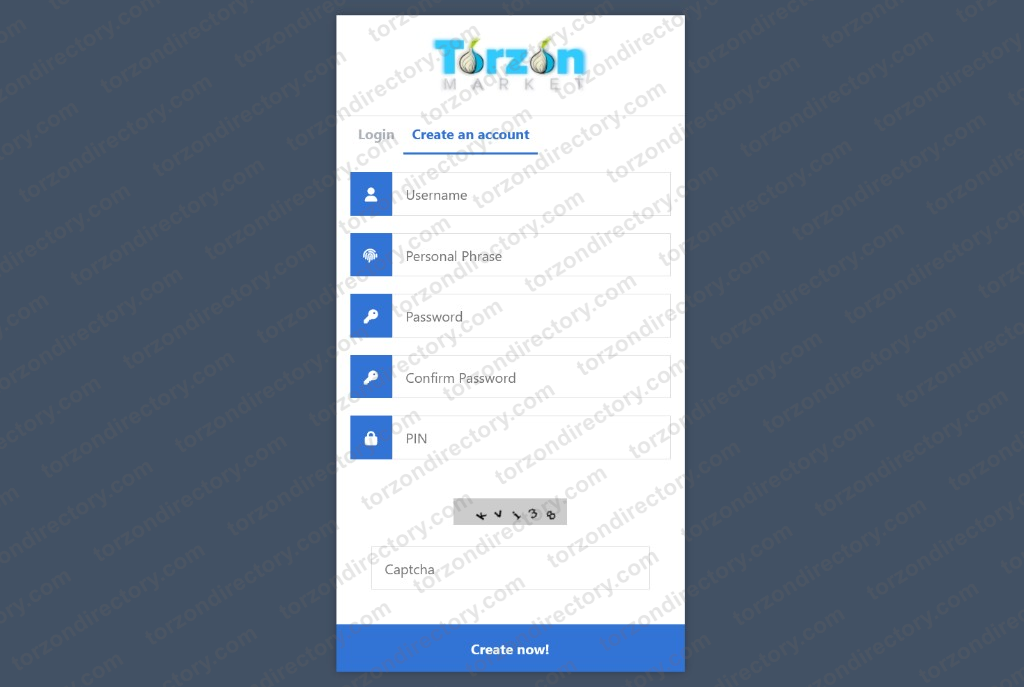
Registration
Username, anti-phishing phrase, password, PIN, and CAPTCHA — no email field.
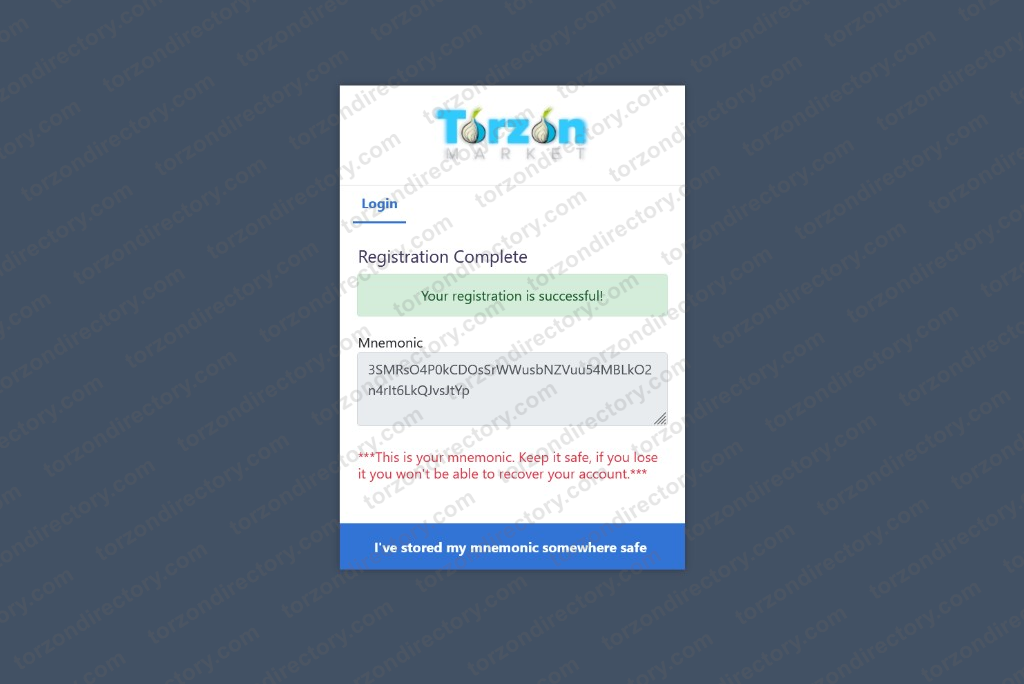
Recovery phrase (once)
Shown a single time; store offline. Steps above.
Entry gates & anti-phishing
Brand & CAPTCHA gate
Split-screen gate before credentials — compare after opening a host from Links.
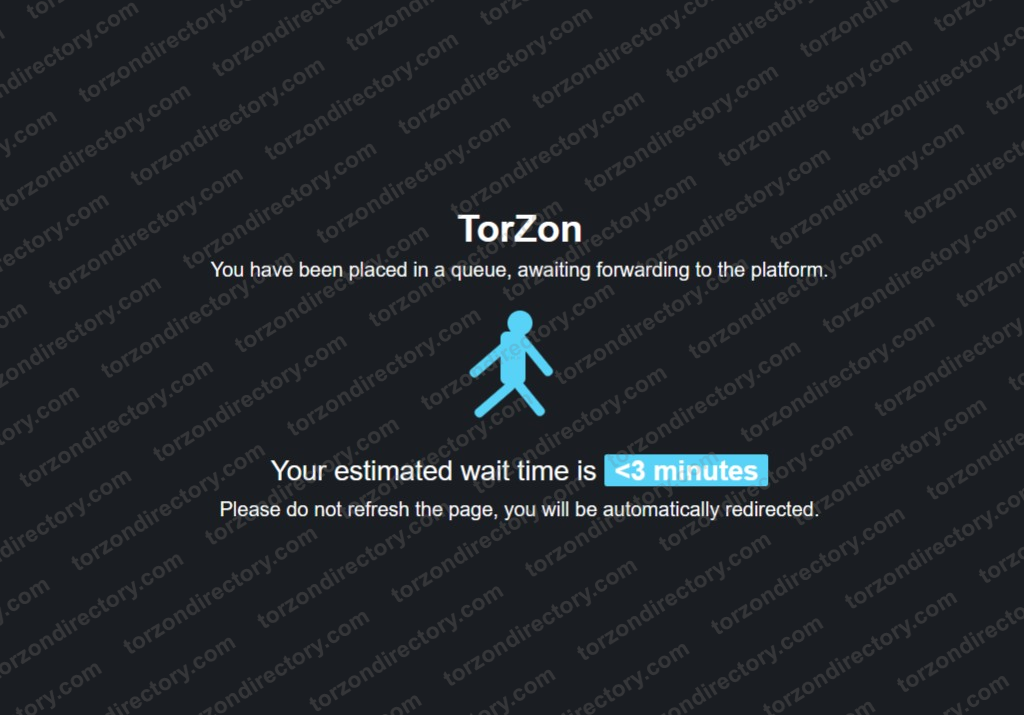
DDoS waiting room
Queue badge during traffic spikes — legitimate sessions auto-forward when capacity opens.
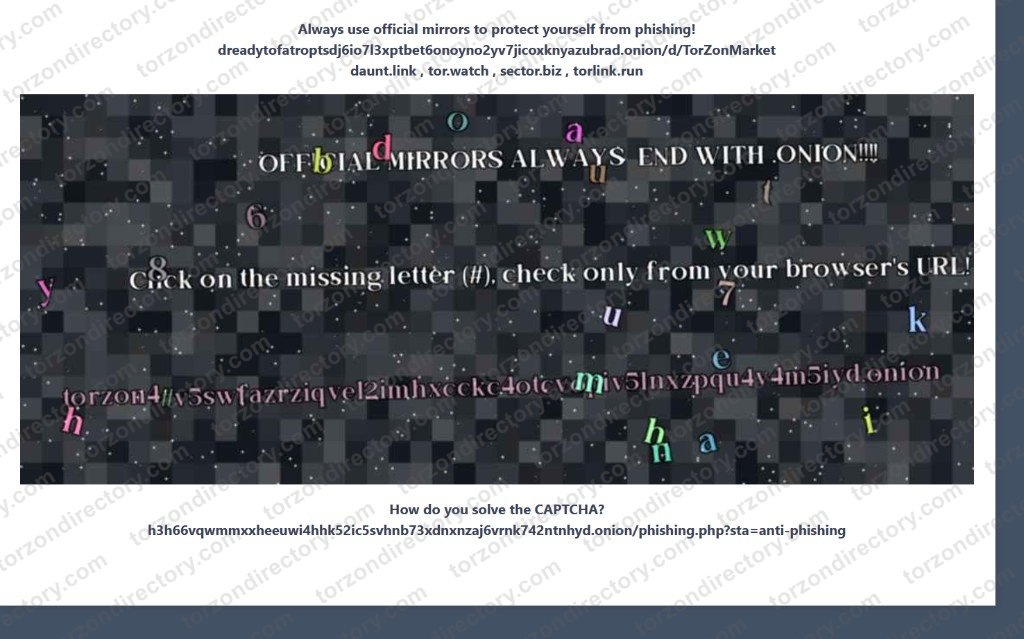
Mirror URL letter check
Character check tied to the v3 host in the address bar — still verify PGP and your phrase after login.
Security & OPSEC
Recommended
- Download Tor Browser from the official Tor Project website
- Verify every host against the Torzon Directory mirror table and operator-signed mirror text (GnuPG)
- Enable PGP 2FA immediately after registration
- Write mnemonic phrase on paper (offline)
- Use Monero (XMR) for transaction privacy
- Bookmark verified .onion in Tor Browser
- Check anti-phishing phrase on every login
Never Do
- Trust links from search engines or chat groups
- Enter credentials on open-web "torzon-*" sites
- Store mnemonic digitally
- Use personal email or phone number
- Share your PGP private key with anyone
- Transfer funds outside the escrow system
PGP Mirror Verification
A valid signature is useful only when you have already authenticated the signing key. Torzon Directory publishes the official v3 host index on Links; obtain operator PGP material through authenticated Torzon channels and compare fingerprints before accepting a signature.
PGP Encryption Requirements
Mandatory PGP encryption for all vendor communications containing sensitive data. Shipping addresses must be encrypted with vendor's public key before submission. PGP provides: (1) server compromise protection, (2) MITM attack prevention, (3) phishing site detection, (4) vendor identity verification across platforms.